


Movie Website V-1.2.0
This Movie Website Script is designed with a clean and responsive UI, optimized for both desktop and mobile devices. It comes with a cinematic design that makes your platform look stylish and engaging. You can easily add movies, TV shows, categories, and banners to give your users the ultimate movie browsing experience.
You'll GET
Complete Source Code – Full access to the clean, well-documented code
Modern UI/UX Design – Sleek, premium, and cinematic design that gives your website a professional look.
Responsive Layout – Works flawlessly on desktop, tablet, and mobile devices.
Easy Customization – Change colors, logos, layouts, and branding with minimal effort.
Scalable Structure – Future-ready codebase that you can expand with new features.
Secure and Stable – Built with security best practices to keep your platform safe.
Lifetime Ownership – One-time purchase, no hidden fees, and unlimited usage.
Features
🎬 Movie Management System – Add, edit, and delete movies with details like title, poster, description, cast, release date, and more.
🔎 Advanced Search & Filters – Users can search movies by title, category, or genre and filter results easily.
⭐ Category, Language & Genre Support – Organize movies into categories and genres for smooth navigation.
📂 SEO-Friendly URLs & Structure – Boost your site’s visibility in search engines.
🖥️ Admin Dashboard – Manage your content with ease through a simple backend (if included).
⚡ Optimized Performance – Fast loading pages with lightweight coding.
⚙️ Easy-to-Manage Backend: Effortlessly add, remove, or update content.
🔐 Secure & Scalable: Ensures a smooth and safe experience for both admin and users.
❤ Built with Laravel, TailwindCSS, and more top-notch technologies.
Gallery


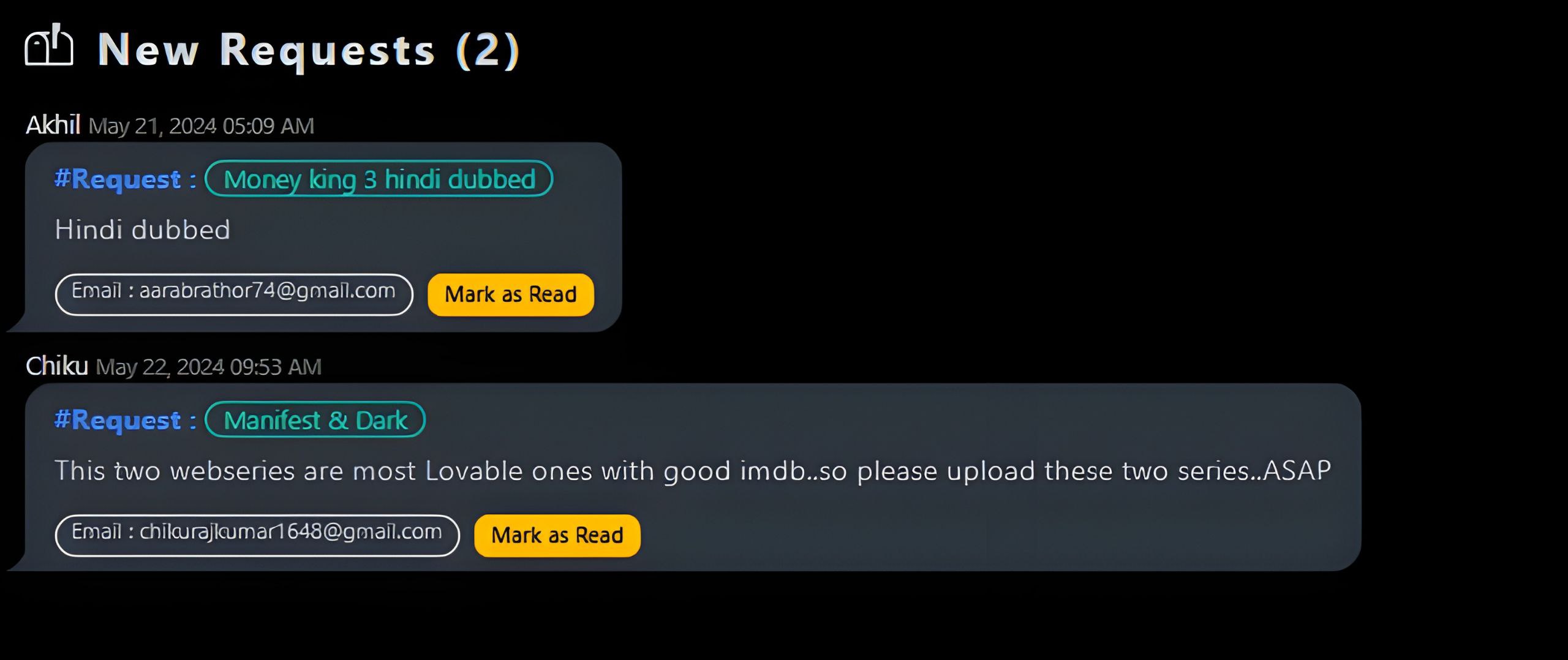
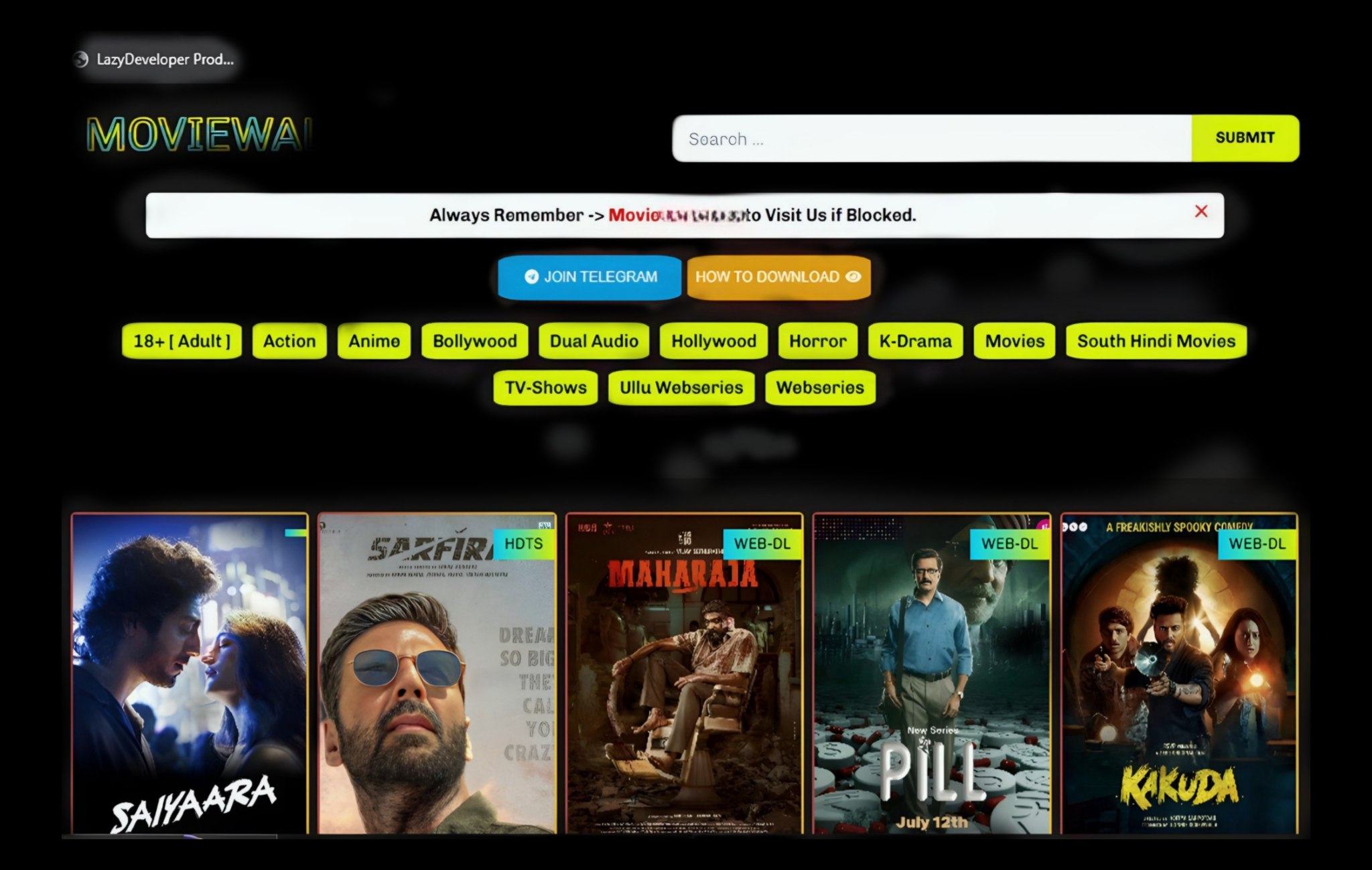


How to Use?
Follow these simple steps to Get started.
Install the App
Download the application or visit the website to begin using the service.
Create an Account
Sign up using your email address or log in if you already have an account.
Start Using Features
Explore all the functionalities and customize your preferences for the best experience.
Need Help?
Contact support or visit our help center anytime you're stuck.
title
stuck.
Need Help?
Contact support or visit our help center anytime you're stuck.
HOW TO DEPLOY
Login to Your Hosting cPanel
Open your hosting provider's cPanel (like Hostinger, Bluehost, etc). Use your username and password to login securely.
Go to File Manager
Inside cPanel, find and click File Manager. Then open public_html folder or the folder where you want to upload your project.
Upload & Extract Project
Click on the Upload button, upload your project ZIP file, then right-click it and select Extract. Move all extracted files to the right folder (usually inside public_html).
Create a Database
Go back to cPanel main page → Open MySQL Database Wizard. Create a new database, a new user, and then assign that user to the database with All Privileges.
Update .env File
Inside your project files, locate the .env file. Update the DB_DATABASE, DB_USERNAME, and DB_PASSWORD with the values you just created.
Import Your Database
Open phpMyAdmin from cPanel, select the database you just created, go to the Import tab, and upload your .sql file. Click Go to import.
Run Your Website
Now visit your domain (like https://yourdomain.com). Your project should be live. If it shows any error, re-check .env and permissions.
All Set!
You’ve successfully deployed your project. Proud to be #Lazians ! 🎉



- 🎬 Movie Management System – Add, edit, and delete movies with details like title, poster, description, cast, release date, and more.
- 🔎 Advanced Search & Filters – Users can search movies by title, category, or genre and filter results easily.
- ⭐ Category, Language & Genre Support – Organize movies into categories and genres for smooth navigation.
- 📂 SEO-Friendly URLs & Structure – Boost your site’s visibility in search engines.
- 🖥️ Admin Dashboard – Manage your content with ease through a simple backend (if included).
- ⚡ Optimized Performance – Fast loading pages with lightweight coding.
- ⚙️ Easy-to-Manage Backend: Effortlessly add, remove, or update content.
- 🔐 Secure & Scalable: Ensures a smooth and safe experience for both admin and users.
- ❤ Built with Laravel, TailwindCSS, and more top-notch technologies.
Comments




₹ 4500
₹4500 off
Premium content
Trending
0